
Cursive Text Generator: Copy and Paste 160+ Cursive Styles
With our cursive text generator turns anything you type into 160+ cursive styles, from simple script to bold, italic and Old English. Copy any style as real Unicode text that pastes into Instagram, TikTok, Discord, WhatsApp and X on any phone.
 𝒴ℴ𝓊𝓇 𝒩𝒶𝓂ℯ 𝓨𝓸𝓾𝓻 𝓝𝓪𝓶𝓮 𝑌𝑜𝑢𝑟 𝑁𝑎𝑚𝑒 𝒀𝒐𝒖𝒓 𝑵𝒂𝒎𝒆 𝘠𝘰𝘶𝘳 𝘕𝘢𝘮𝘦 𝙔𝙤𝙪𝙧 𝙉𝙖𝙢𝙚 𝔜𝔬𝔲𝔯 𝔑𝔞𝔪𝔢 𝖄𝖔𝖚𝖗 𝕹𝖆𝖒𝖊
 No saved styles yet. Tap ☆ on any style to save it here.
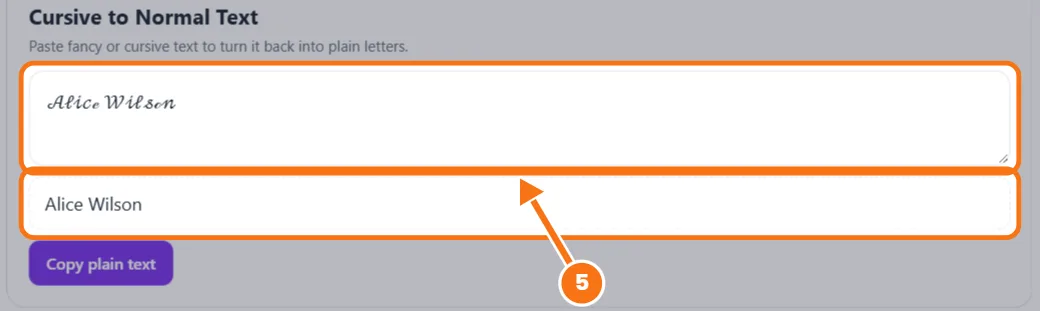
Cursive to Normal Text
Cursive Alphabet to Copy (A–Z)
Cursive works in your name and bio, but not in your @username.
How to Use the Cursive Text Generator
- Type or paste your text. Styles update as you type, and line breaks stay for full bios.
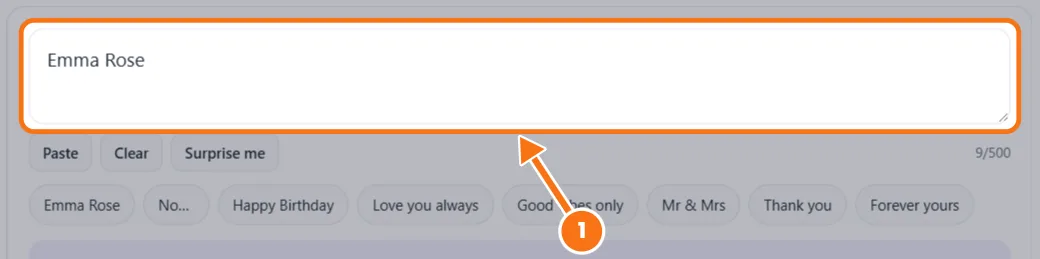
- Filter the styles. Choose Script, Bold, Italic, Gothic (Fraktur) or Decorated, or sort by Most readable.
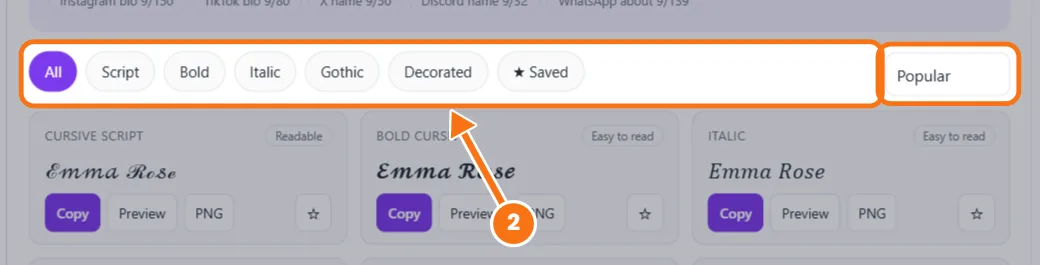
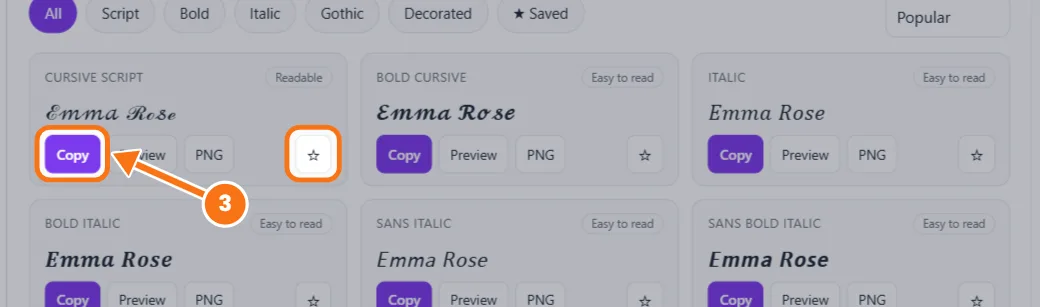
- Copy it. Tap a card to copy, then paste it anywhere. Tap ☆ to save a favorite.
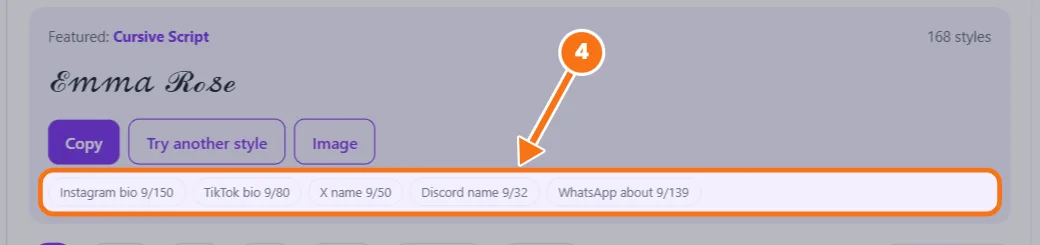
- Check the fit. Preview shows it in a bio, and the counter shows the Instagram, TikTok, X and Discord limits.
- Convert back. Paste fancy text into Cursive to Normal Text to get plain letters again.
Related tools: Fancy cursive generator · Cursive translator
Cursive Text Generator FAQs
Is cursive text a font?
No. Each letter is a Unicode character from the Mathematical Alphanumeric Symbols block, which is why it stays cursive when you paste it.
Where can I paste cursive text?
Instagram bios and captions, TikTok, Facebook, X, Discord, WhatsApp, Snapchat and YouTube comments. Instagram usernames don’t allow it.
Why do some letters look thinner than others?
A few letters, like ℬ, ℰ and ℯ, come from an older Unicode block and use a different font on your phone. Bold Cursive looks more even.
Why does my cursive text show as boxes?
The device has no glyph for that character. Underlined and strikethrough styles fail most often on older Android phones, so pick an Easy to read style.
Can I write numbers in cursive?
Unicode has no script numbers, so Cursive Script keeps normal digits. Bold Cursive uses matching bold numbers.