
Cursive Letters Generator: Learn and Print the Cursive Alphabet A to Z
CursiveGen’s cursive letters generator shows every letter from A to Z on handwriting guidelines, explains how to write each letter, and lets you print a free cursive alphabet chart.
The chart uses your chosen style, ink and guide lines on an A4 page. Everything is drawn in your browser.
How to Use the Cursive Letters Generator
- Pick a cursive style: US traditional or modern school cursive, UK, Australian, Canadian or New Zealand handwriting.

- Choose what to show: Aa pairs, capitals, lowercase or numbers 0–9.

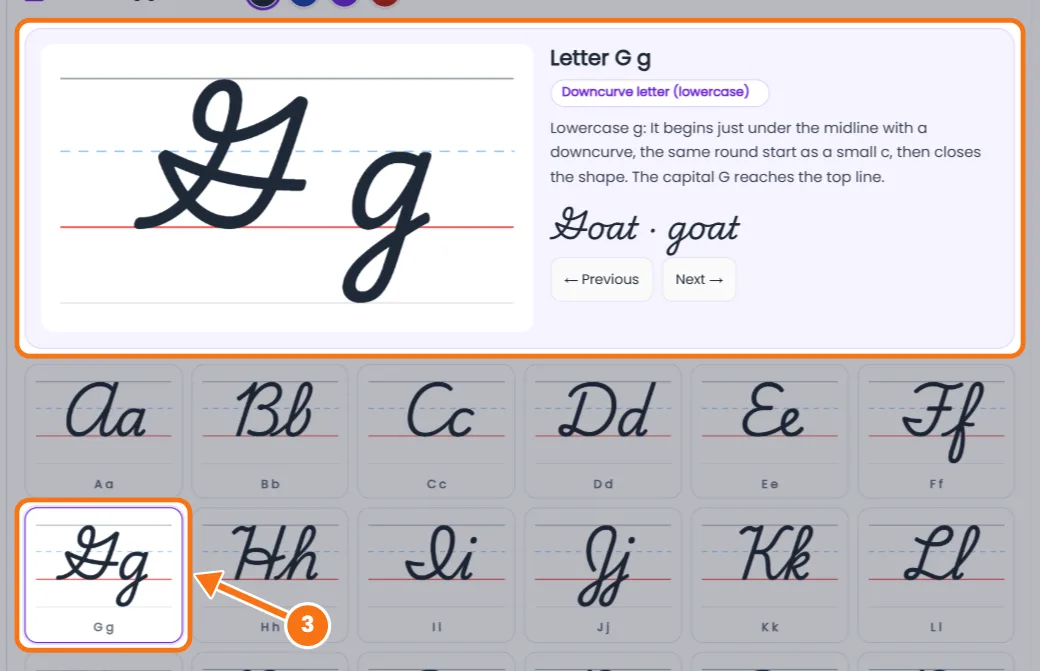
- Tap a letter to see it large in the Letter Spotlight, with its stroke family and an example word.
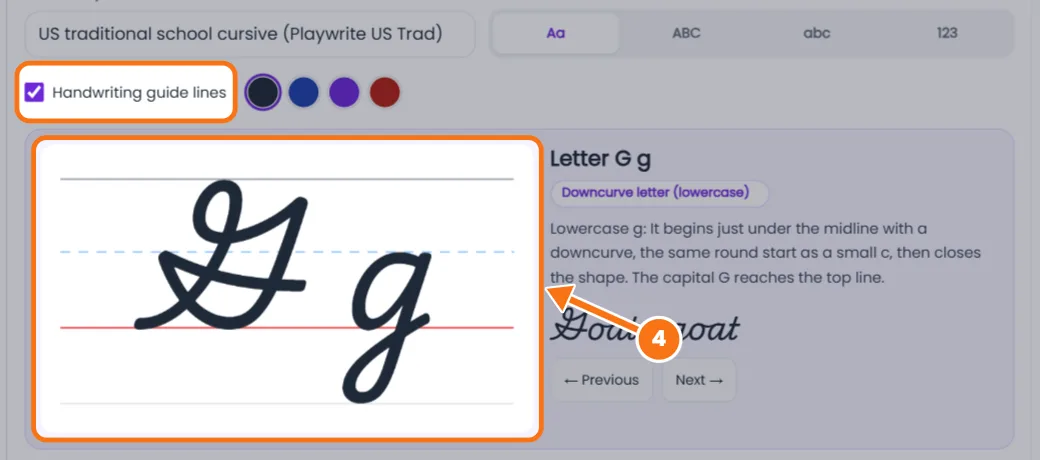
- Read the guide lines: top line for capitals, dashed midline for short letters, red baseline, and a bottom line for tails.
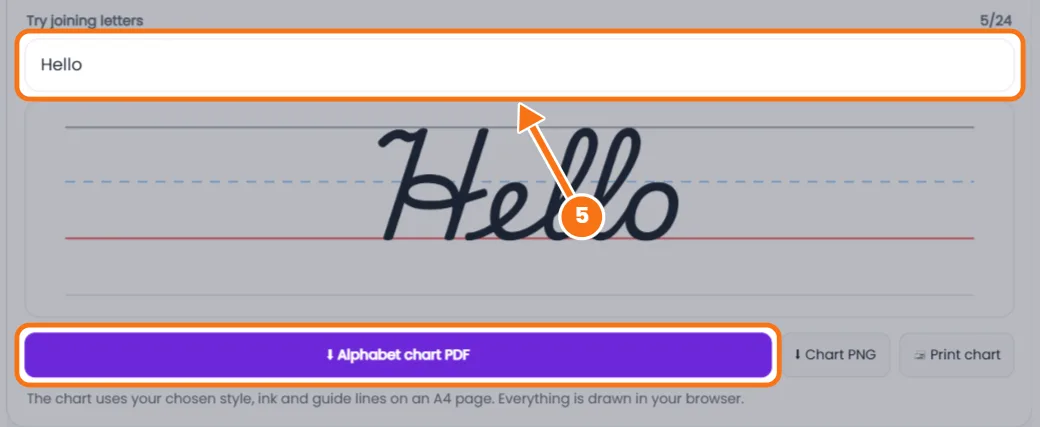
- Join and print. Type a word to see letters connect, then download an A4 alphabet chart as PDF or PNG, or print it.
Related tools: Cursive writing generator · Cursive translator
Cursive Letters Generator FAQs
What are cursive letters?
Handwritten letters that join together, so you can write a whole word without lifting the pen.
How do you learn the cursive alphabet?
Start with lowercase letters in four families: undercurve (i, t, u, w), loop (e, l, h, b), downcurve (a, d, g, o) and overcurve (n, m, x, y).
Which cursive letters are hardest?
Letters that look unlike print, such as lowercase r, s, z and f, and capitals G, Q and Z.
What is the difference between traditional and modern cursive?
Traditional cursive has more loops and fancy capitals. Modern cursive keeps joined lowercase but uses simpler, print-like capitals.
Can I print the cursive alphabet chart?
Yes. Choose a style and tap Alphabet chart PDF or Print chart for a full A4 page.