
Cursive Signature Generator: Type, Draw or Upload Your Signature
Cursive signature generator lets you type, draw or upload your signature and download it as a transparent PNG for PDFs, Word and email. Everything is made in your browser.
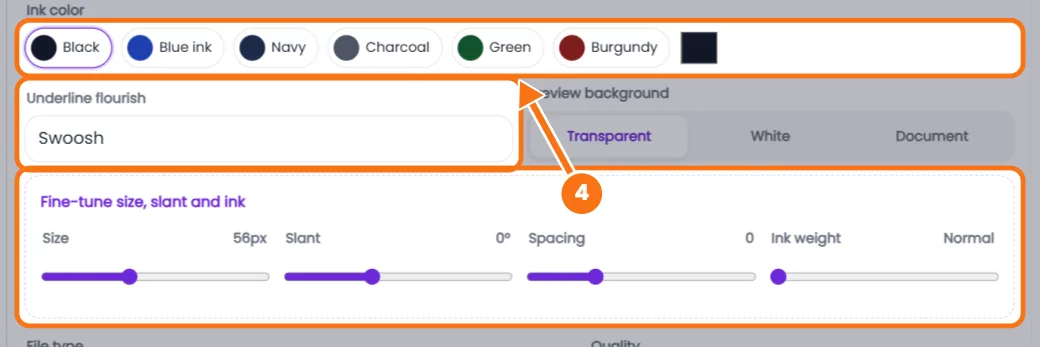
Fine-tune size, slant and ink
Your signature is made right here in your browser. Nothing you type, draw or upload is sent to our server.
How to Use the Cursive Signature Generator
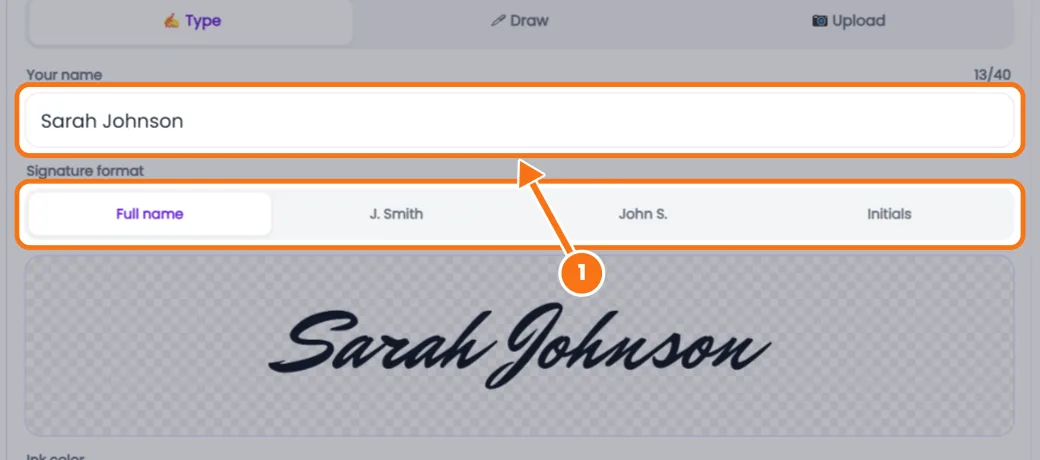
- Type it. Enter your name, pick a format (Full name, J. Smith, John S. or Initials) and one of 30 signature fonts.
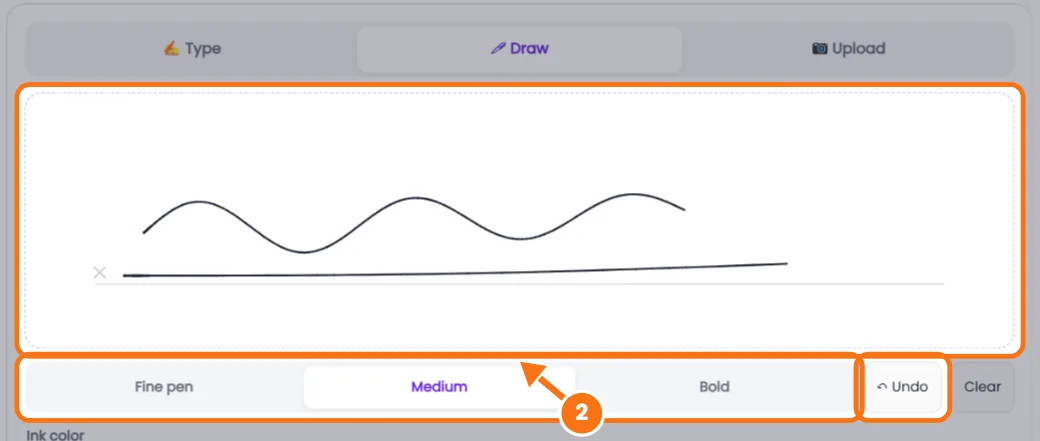
- Or draw it with your finger, stylus or mouse, with Fine, Medium or Bold pen and Undo.
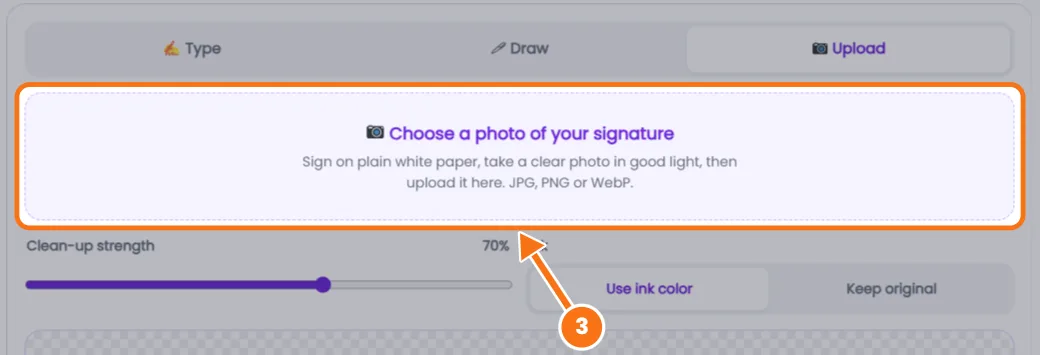
- Or upload it. Add a photo of your signature on white paper. The background is removed and the edges cropped.
- Style it with ink color (Black, Blue ink, Navy and more), an underline or swoosh, and size, slant and ink weight.
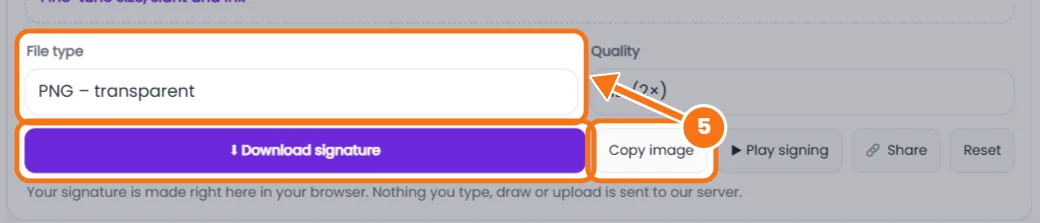
- Download a transparent PNG, white PNG, JPG or SVG (drawn only), or tap Copy image to paste into Word or Gmail.
Related tools: Cursive name generator · Cursive font generator
Cursive Signature Generator FAQs
Is an electronic signature legally valid?
For most everyday documents, yes. The ESIGN Act and UETA in the US and eIDAS in the EU accept electronic signatures, but wills and some court or property papers may need a handwritten or certified one. This isn't legal advice.
How do I add my signature to a PDF?
In Adobe Acrobat Reader, open Fill & Sign, choose Add signature, then Image, and select your transparent PNG.
How do I insert it in Word or Google Docs?
Use Insert, then Pictures (Word) or Image (Google Docs), or paste it with Copy image. Set wrapping to In front of text.
Can I turn a photo of my signature into a digital one?
Yes. Use the Upload tab and move the clean-up slider until only the ink remains.
Is my signature saved?
No. Nothing you type, draw or upload leaves your browser.